Professional LED Controller Supplier for Lighting Systems
Professional LED Controller Supplier for Lighting Systems
Whether you’re building an immersive DMX-controlled architectural façade or a home smart lighting system, having the right LED controller is just as critical as the light itself. At Sunroleds, we supply a full range of professional-grade LED controllers, engineered to handle everything from addressable LED strips (SPI / Dual Data / DMX512) to standard dimmable setups (RF, 0-10V, DALI).
Built for reliability and wide protocol compatibility, our controllers are designed to simplify integration into complex lighting systems, whether you’re working on a nightclub, commercial building, stage project, or museum-grade installation. We offer both standalone control units and multi-zone, software-controllable systems, compatible with a wide range of LED ICs, voltage ranges, and control software environments.
With fast lead times, OEM customization, and full wiring documentation, we help lighting designers, integrators, and contractors bring dynamic lighting systems to life—with total control, zero flicker, and long-term reliability.
Warranty
Working Life
Defected Rate
Quality Assurance
Explore our LED Controller Solution
Explore our LED Controller Solution
Whether you need pixel-perfect animations, zone-based dimming, or reliable signal amplification, we offer the full spectrum of LED control solutions
Wireless Controller & 2.4G RF Remote Control
Wireless Controller & 2.4G RF Remote Control
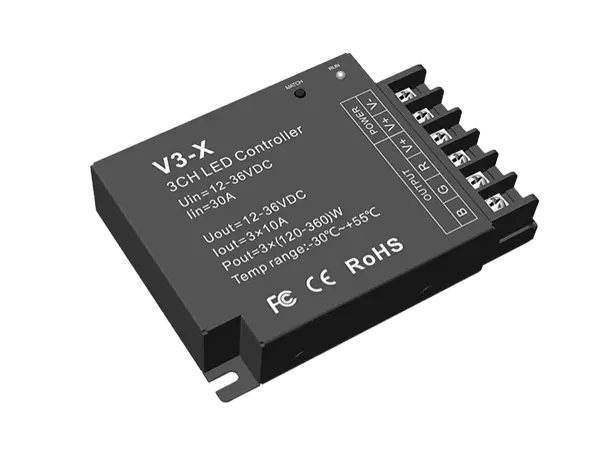
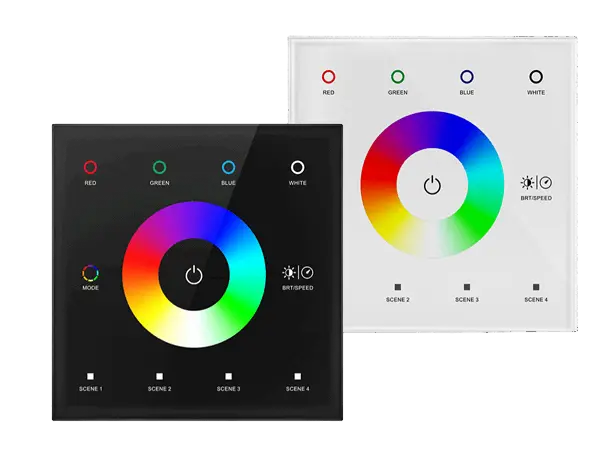
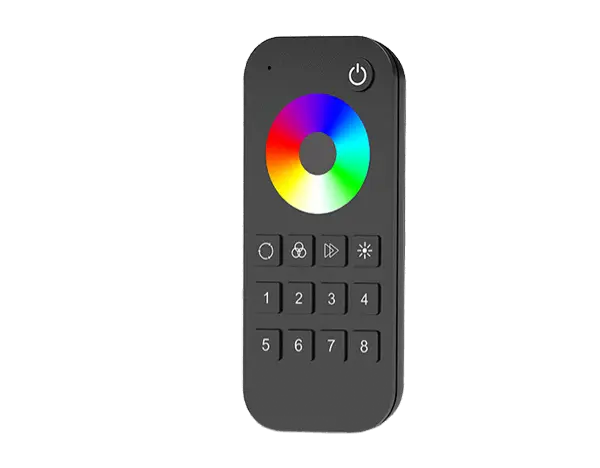
Take full control of your RGB LED lighting system with our high-performance RGB LED controllers. Designed for both simple dimming setups and complex multi-zone installations, these controllers enable seamless color mixing, smooth transitions, and custom lighting effects. Whether you’re running retail displays, architectural facades, or entertainment venues, our RGB controllers ensure stable output and flexible control—wired or wireless.



SPI & DMX Controllers – Addressable Strip Control
SPI & DMX Controllers –Addressable Strip Control
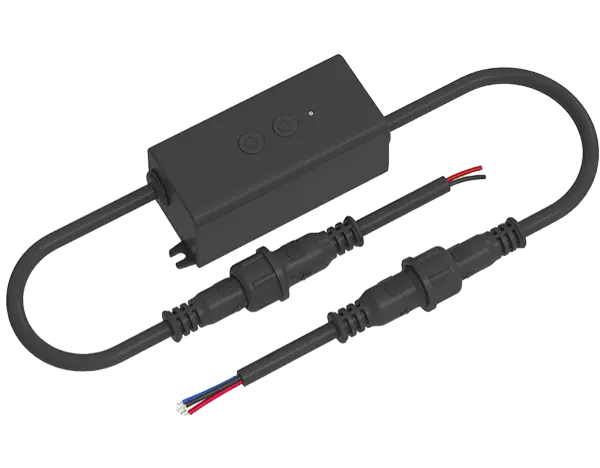
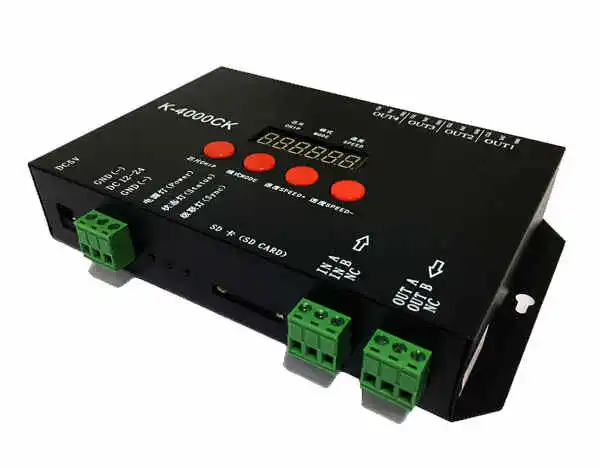
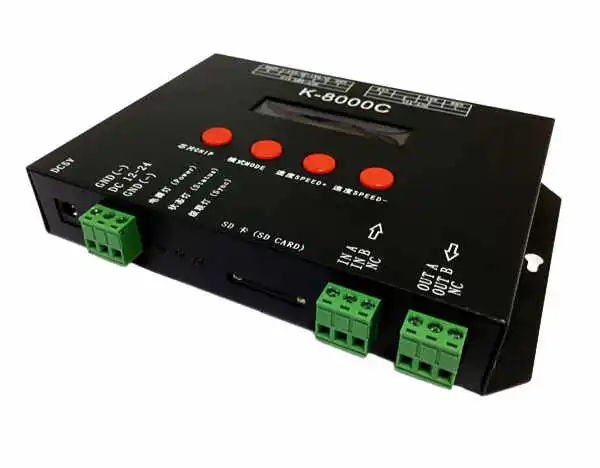
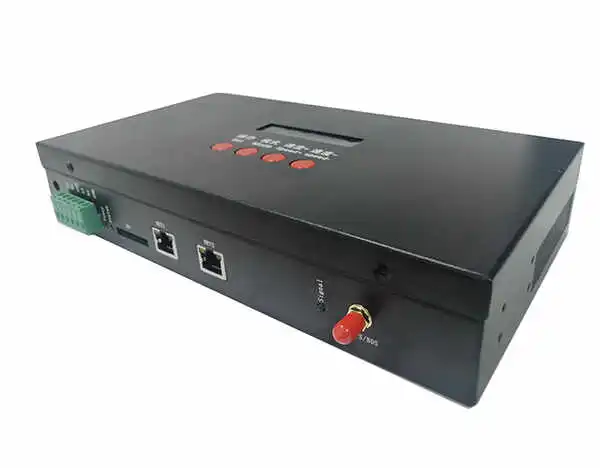
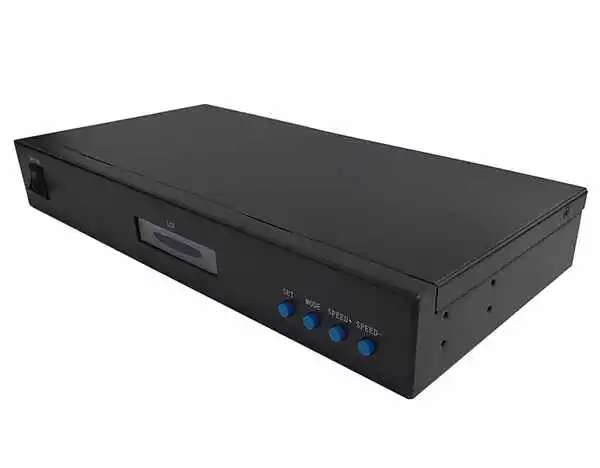
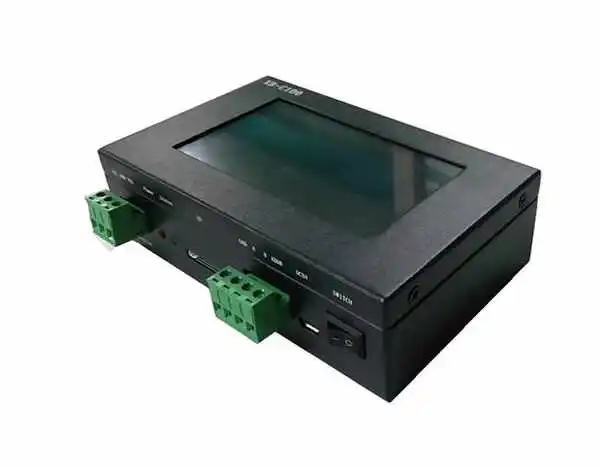
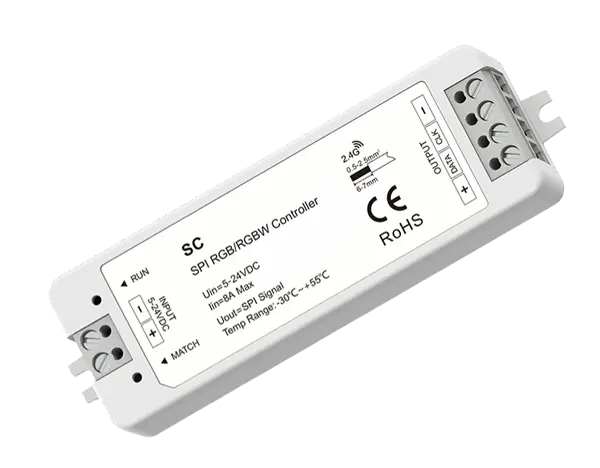
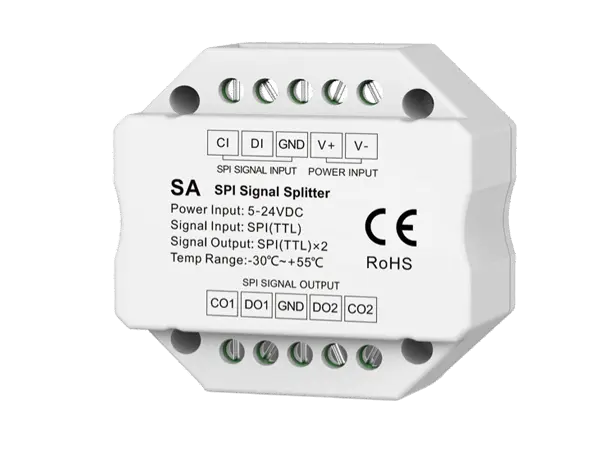
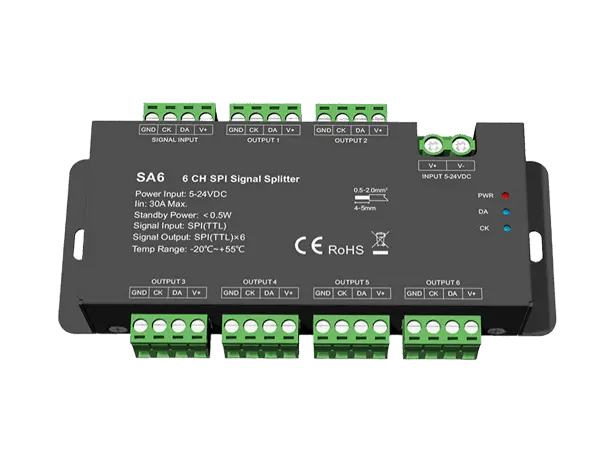
These are professional-grade controllers built to drive individually addressable LED strips, including SPI, Dual Data, and DMX512 protocols. Designed for stage, commercial facades, media walls, and synchronized light shows.

CCT Controller – Tunable White Control
CCT Controller – Tunable White Control
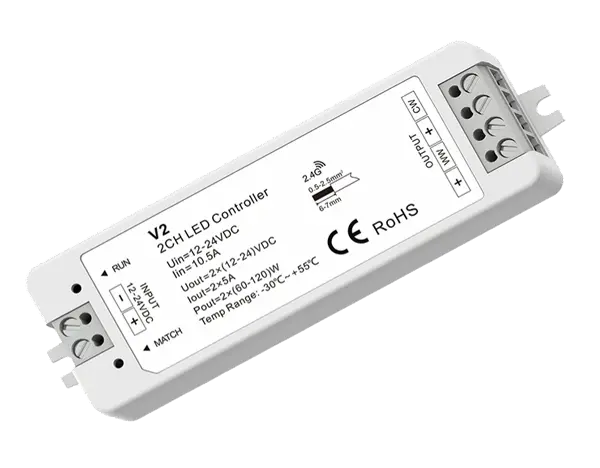
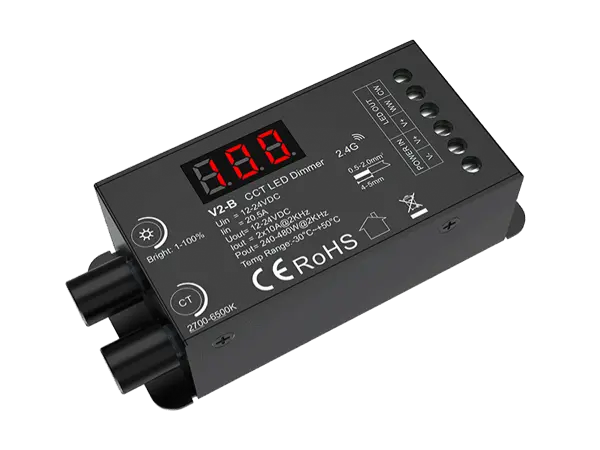
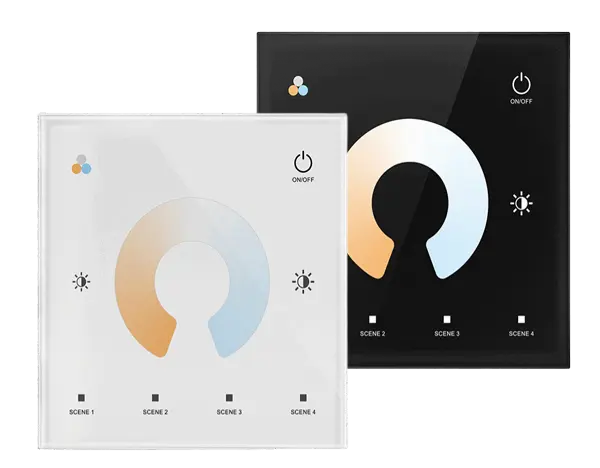
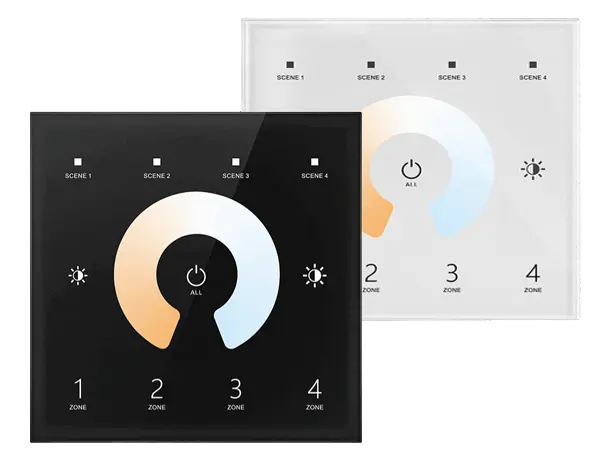
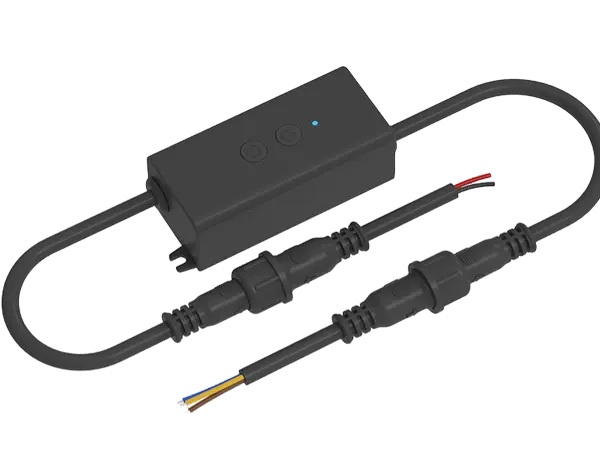
Achieve seamless transitions between warm and cool white light with our CCT controllers. Perfectly suited for tunable white LED strips, these two-channel controllers allow you to dial in the ideal color temperature for any space, from cozy residential interiors to dynamic hospitality and office environments. Choose from DALI DT8, 0-10V, RF, or Bluetooth models to fit your system needs.

LED Dimmer Series
LED Dimmer Series
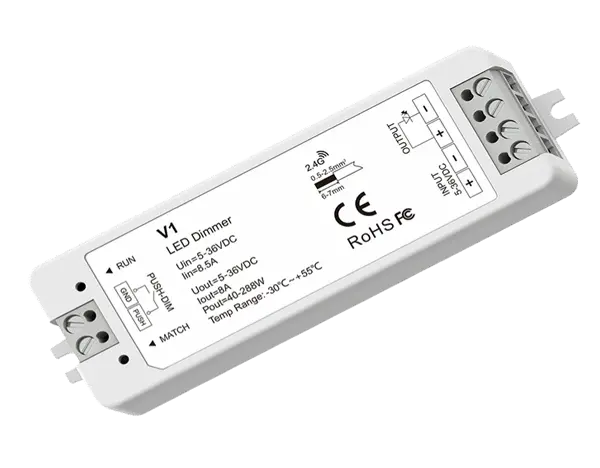
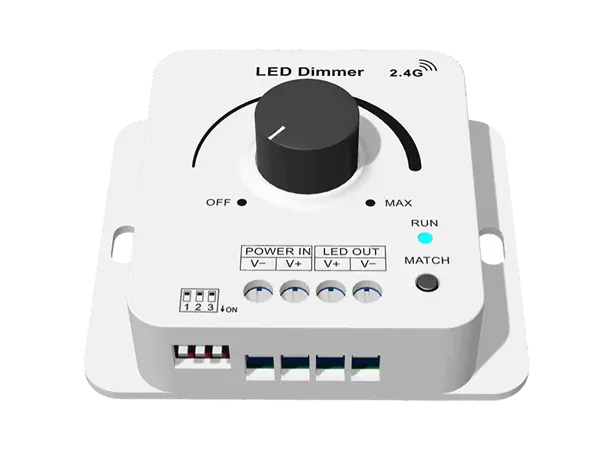
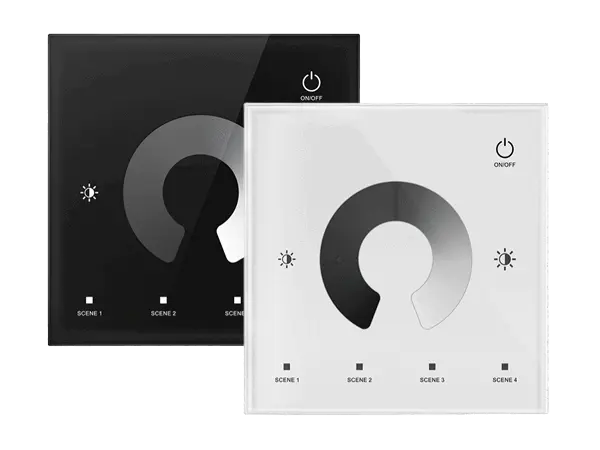
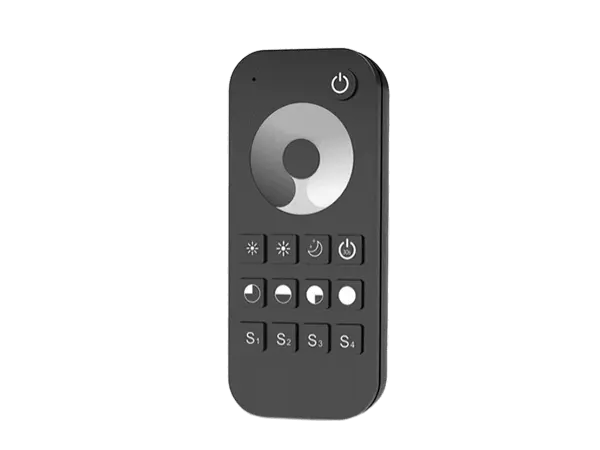
Designed for single-color LED strip lights and fixtures, our dimmers offer precise brightness control with flicker-free performance. Available in Triac, 0-10V, PWM, and RF versions, they’re easy to integrate into commercial, residential, or architectural lighting systems—whether wired or wireless. Dimming from 100% to near 0% has never been smoother.
Power Amplifiers
Power Amplifiers
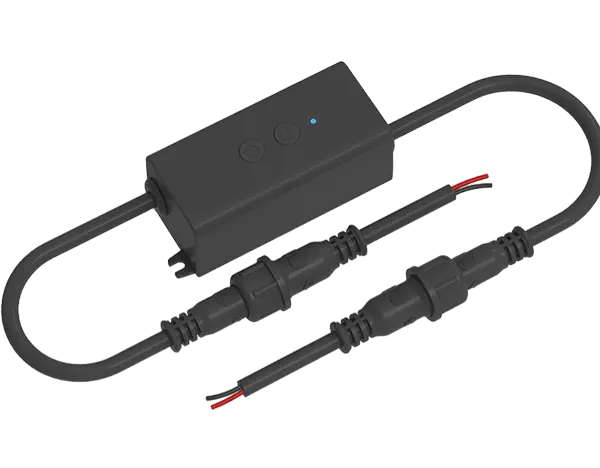
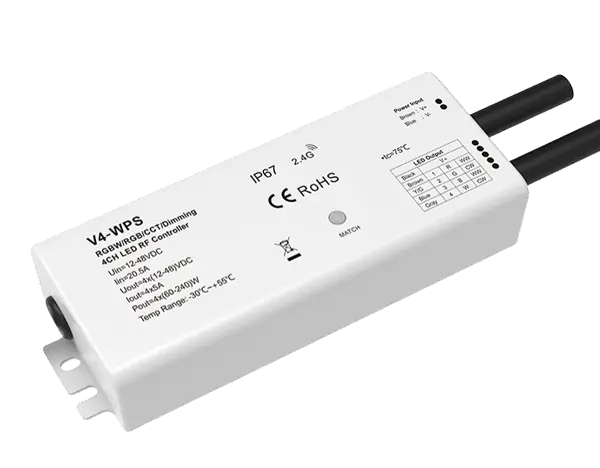
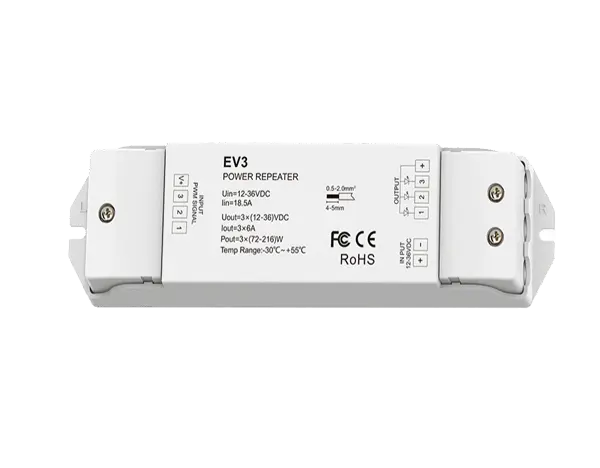
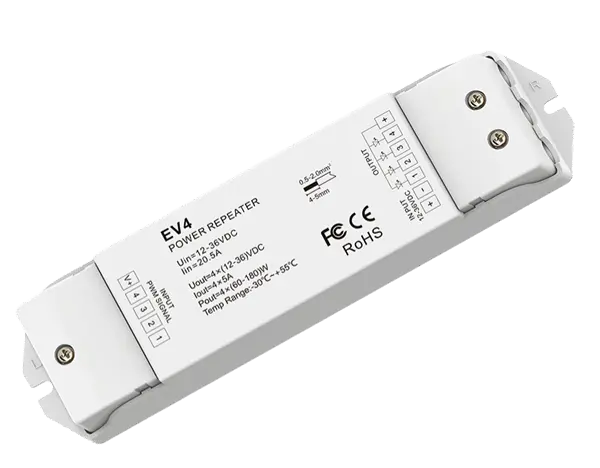
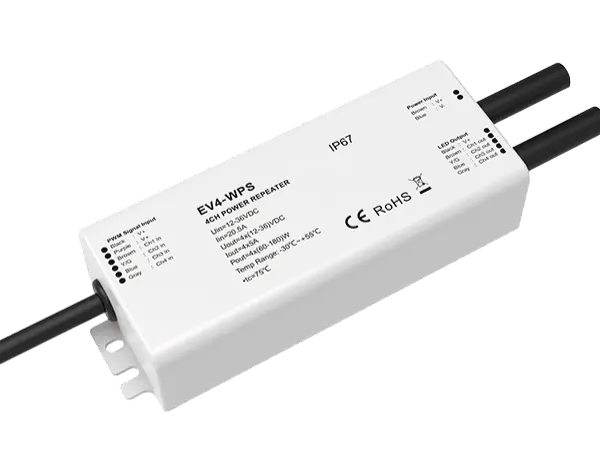
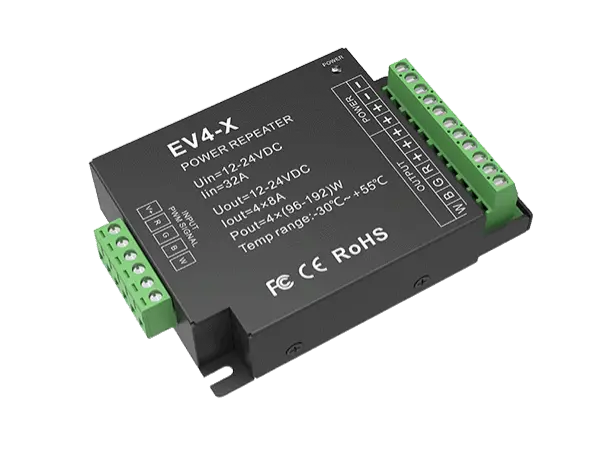
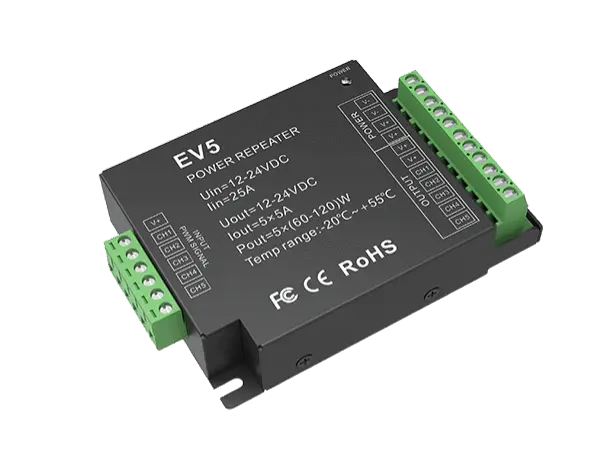
As your installation grows, signal loss and voltage drop can compromise performance. Our LED amplifiers regenerate PWM signals and re-power the LED output, ensuring brightness and color consistency across long runs or multiple zones. Ideal for large-scale strip lighting systems where uniformity is critical.

LED Controller FAQ
LED Controller FAQ
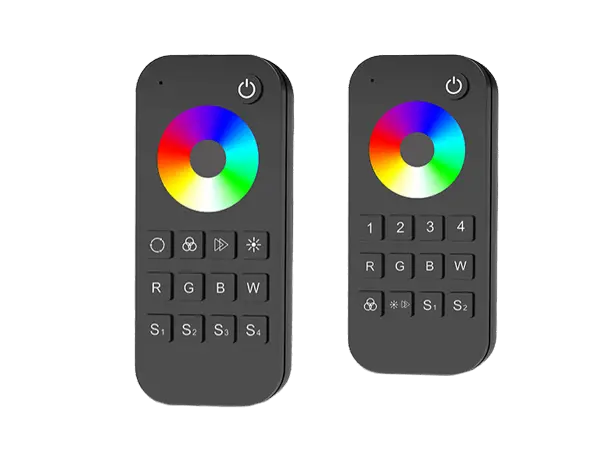
The function of the W (White) button on an RGB/RGBW remote depends on the type of controller it is paired with:
- When paired with an RGB controller, the W button triggers a mixed white light created by combining R, G, and B channels.
- When paired with an RGBW controller, the W button directly controls the dedicated white (W) channel (the fourth channel).
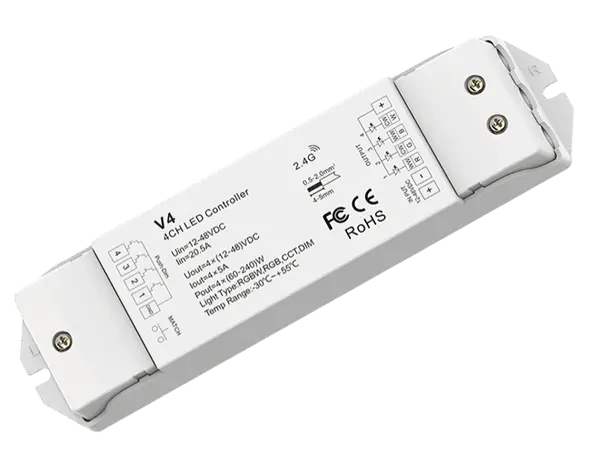
Multi-channel RF constant voltage controllers such as V3, V3-L, V4, VP, V4-X, and V4-WP are designed to support multiple lighting types (3/4-channel PWM).
When paired with an RGB or RGBW remote, these controllers will automatically switch to RGB or RGBW mode based on the remote’s configuration.
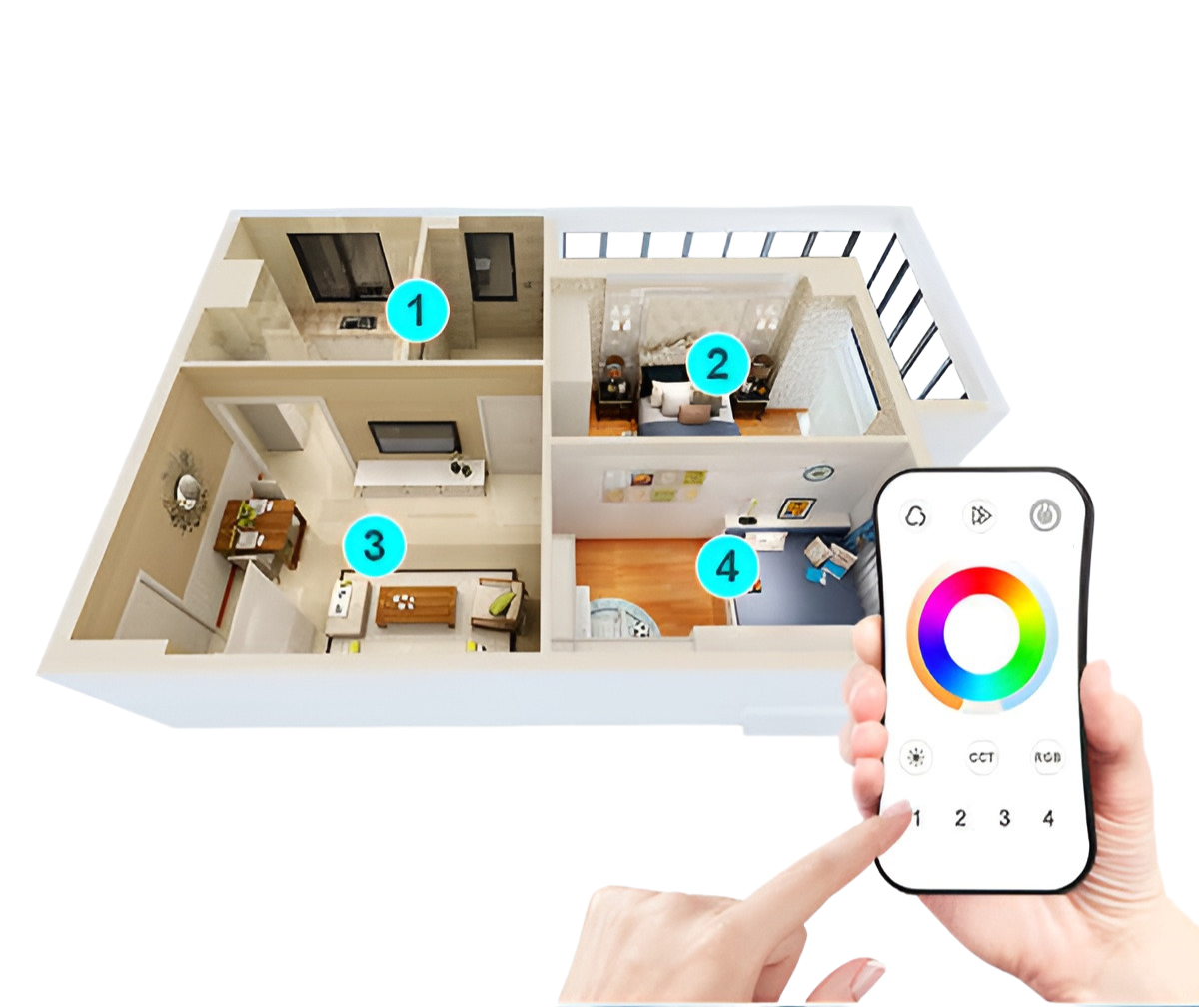
For multi-zone RGB/RGBW remotes, to support zone control of different lighting types, they can also be paired with dimming, color temperature (CCT), or RGB+CCT RF controllers:
- When paired with a dimming or CCT controller, only the power button and brightness adjustment buttons on the remote will be functional.
- When paired with an RGB+CCT controller, the remote will only control the RGB channels, and not the color temperature channels.
Control Range: The remote control has a direct range of up to 30 meters. With signal forwarding between linked controllers, the total control distance can extend to several hundred meters.
Pairing Capacity:
- Each remote can theoretically pair with an unlimited number of controllers.
- For multi-zone remotes, each zone can also be paired with unlimited controllers.
- Each controller can be paired with 1 to 10 remotes.
- A single controller can be paired to multiple zones of the same remote.
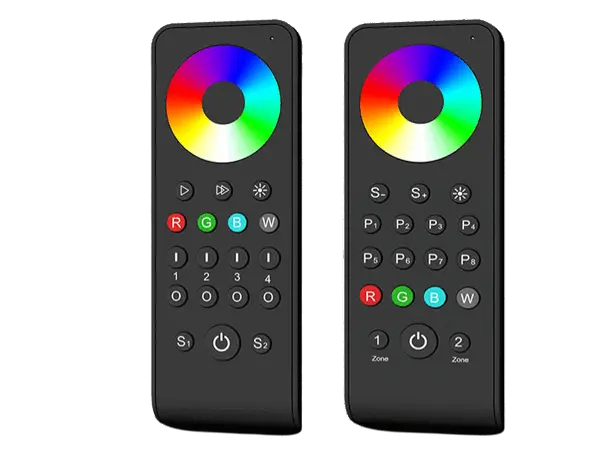
Zone Button Functions (for multi-zone remotes):
- Short press a zone button to turn on and select that zone.
- Long press (2 seconds) a zone button to turn off that specific zone.
- After pressing the master OFF button to turn off all zones, pressing any zone button will reactivate only that zone.
- Quickly pressing multiple zone buttons allows you to select and control multiple zones simultaneously.
For handheld remotes with both a touch-sensitive color ring and mechanical buttons, the color ring must first be “woken up” by pressing any button. This design helps reduce power consumption.
If there is no button press or touch activity within 20 seconds, the color ring will automatically enter sleep mode. In sleep mode, the touch function is temporarily disabled and won’t respond until reactivated by pressing a button again.
In theory, there is no strict limit to the number of RF dimming controllers a single remote can control synchronously.
However, for optimal performance and stable signal transmission, it is recommended to control no more than 50 controllers at the same time. All RF controllers support signal forwarding, but installation density and environment may affect transmission efficiency.
A single RF controller can be paired with up to 10 different remote controllers.
Note: A WiFi relay controller counts as one remote in this pairing limit.
These V4 controllers support both RGB and RGBW LED strips, but they must be manually set to match the strip type. Behavior varies:
When used with RGBW strips:
The “W” button on the remote controls the dedicated White channel (4th channel).
When used with RGB strips:
The “W” button simulates white by mixing R, G, and B (e.g., RGB(255,255,255)).
If the controller is not properly set to RGBW mode, the white channel will not respond. You need to switch modes:
To set controller to RGBW mode: Long press the Match key for 10 seconds.
To switch back to RGB mode: Long press the Match key for 15 seconds.
After switching, re-pair the remote with the controller to activate the correct output type.
Most RGBW controllers feature independent speed control with the following behavior:
Short Press the Speed button: Cycles through 10 speed levels (1–10), then loops back to 1.
Long Press the Speed button: Returns to default speed level 7.
Each time you switch to a new dynamic mode, the controller automatically resets to the default speed (level 7).
Speed adjustment is optional and only needed when fine-tuning animation speed.
What’s the difference between Mode 2 (RGB Smooth) and Mode 4 (6-Color Smooth) on an RGBW controller?
These two color transition modes differ in color blending intensity and brightness levels:
Mode 2: RGB Smooth
This mode fades smoothly between Red → Green → Blue.
During transitions (e.g., Red to Green), both R and G channels operate at 50% brightness, creating intermediate tones like soft yellow.
Mode 4: 6-Color Smooth
This mode includes Red, Green, Blue, Yellow, Cyan, and Purple transitions.
Intermediate colors are created with 100% brightness on two channels simultaneously, making the colors appear more vivid and saturated.
Logarithmic dimming is ideal for applications where smooth visual transitions are critical — such as:
Residential ambient lighting
Architectural or decorative lighting
Studios, retail, or any space where aesthetic experience matters
It ensures brightness changes feel balanced across the entire dimming range, from 0% to 100%.
Logarithmic dimming adjusts brightness based on a nonlinear (logarithmic) curve, with gamma values ranging from 0.1 to 9.9.
Instead of equal changes in PWM duty resulting in equal changes in brightness, the output is adjusted to better match human visual perception.
Because human eyes don’t perceive light linearly, logarithmic dimming creates a more uniform and natural transition in brightness, especially in the low-light range.
In linear dimming, the light output is directly proportional to the PWM signal.
For example, if the PWM duty cycle is set to 50%, the light will be ON for half the time and OFF for the other half, resulting in 50% brightness.
This corresponds to a gamma value of 1.0, which represents a mathematically linear light curve.
What are the main types of dimming curves for LED lighting?
There are two common types of dimming curves used in LED lighting systems:
- Linear Dimming
- Logarithmic Dimming
Each affects how brightness changes relative to PWM signal output, and each has its own visual characteristics.
The ideal PWM frequency depends on your specific environment and requirements:
250Hz – Best for low-noise environments where power supply noise must be minimized.
500Hz or 750Hz – Common default settings for most general applications.
2000Hz – Suitable for environments where flicker-free performance under camera shooting is important.
8000Hz – Recommended for professional studio lighting, where extremely low flicker and high-quality video recording are essential.
To avoid visible flickering, the PWM frequency should be set above 200Hz. Frequencies below this may result in perceptible flashing, especially in peripheral vision.
Yes, with synchronized signal forwarding and stable RF communication, brightness control remains consistent across all zones. However, the effective transmission may be influenced by the installation environment and obstacles. For best results, position controllers within the recommended signal range and avoid signal obstruction.
Each RF controller supports auto signal forwarding. When one LED controller receives a command, it relays the signal to others within range, extending the control distance. For best performance, we recommend no more than 5 signal hops in a single network to ensure stable synchronization.
Yes. A single-zone RF RGB remote can be paired with multiple RF constant voltage RGB controllers, enabling synchronized color and brightness control across all connected strips.
To ensure stable performance and longevity, it’s recommended that the total power consumption of the LED strip does not exceed 80% of the rated output of the constant voltage power supply.
No. Most RGB controllers apply uniform dimming, scaling all three RGB channels by the same percentage. This keeps the color consistent while changing the overall brightness.
RGB LED strip lights use Pulse Width Modulation (PWM) to control brightness and color. PWM works by switching the power on and off rapidly (hundreds to thousands of times per second), adjusting the on-time ratio (duty cycle) of each color channel (Red, Green, Blue). The brightness of each color is defined by an 8-bit value (0–255), where 255 equals 100% brightness, and 0 means the channel is off.
Colors are formed by mixing different brightness levels of red, green, and blue. For example, RGB(255, 128, 0) means:
Red = 100% brightness
Green = 50% brightness
Blue = 0% (off)
This combination produces an orange hue.
A DMX address writer, also called a DMX programmer or address encoder, is a device used to assign a unique DMX address to each lighting fixture or pixel in a DMX512 system. This address tells the controller where each light sits in the overall chain, ensuring that commands are delivered to the right fixture.
You’ll need a DMX address writer whenever you’re using DMX-compatible pixel lights or fixtures, especially in setups where:
You’re using multiple DMX fixtures that need to respond to different control signals
You need to manually assign or reassign addresses for large installations
You want to test fixtures individually before installation using built-in test modes
In complex projects like architectural facade lighting, stage installations, or pixel-mapped DMX displays, using an address writer saves a tremendous amount of time. Some advanced writers, like the XB-C100, even support address testing, internal effects preview, and chip compatibility switching for flexible deployment on-site.
If you’re working with addressable DMX LED strips, DMX Dot Matrix Display, a DMX address writer is not just useful—it’s essential.
Need Help? Contact us Now!
Need Help? Contact us Now!
Ready to Power Up Your LED Project? Let’s Get It Right the First Time